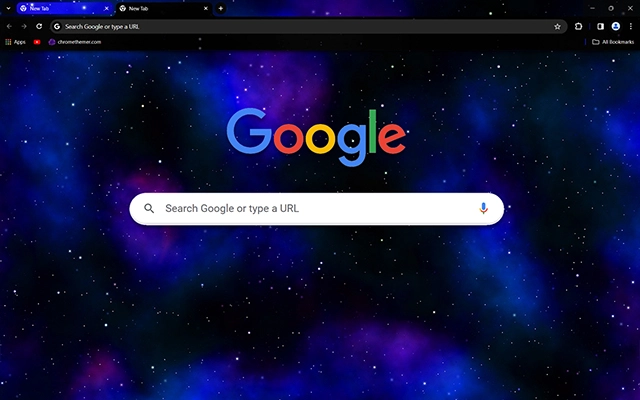
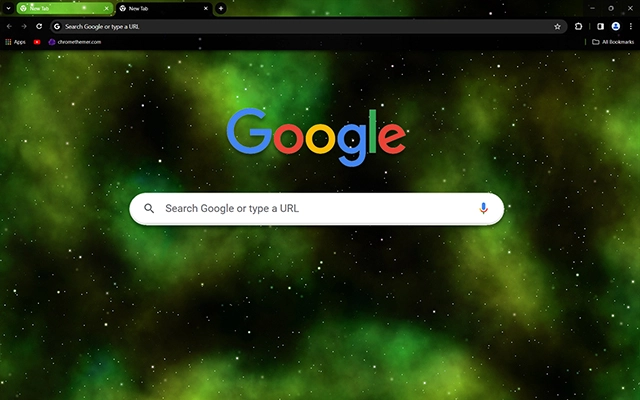
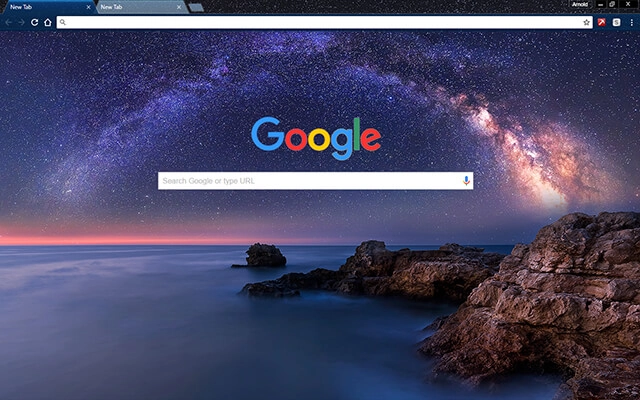
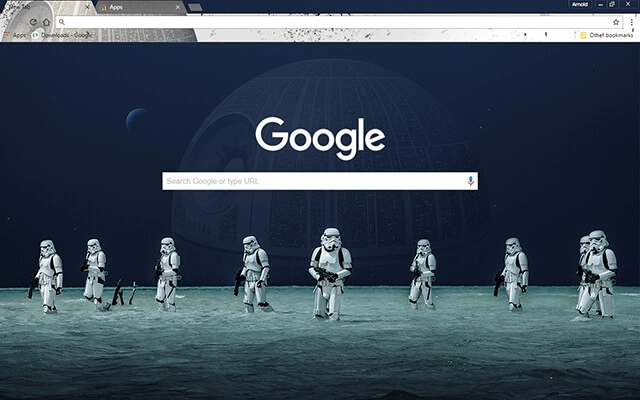
NEW Explore these themes inside a complete browser workspace on BrowserWorkTools. See Theme Workspace →
Explore

New and Popular Chrome Themes ...

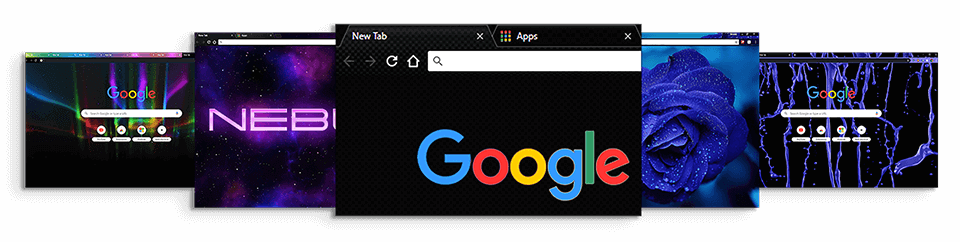
Quickly Customize Chrome with high quality themes.

Best Chrome Themes

Find your next favorite Chrome theme

Browse by vibe, mood, or purpose — from dark & minimal to seasonal and aesthetic picks.

New On The Blog ...

Read up on the latest, freshly published step-by-step guides, online tools and articles.

Card Titlemore_vert

read more ...

Card Titleclose

Here is some more information about this product that is only revealed once clicked on.

read more ...

Card Titlemore_vert

read more ...

Card Titleclose

Here is some more information about this product that is only revealed once clicked on.

read more ...

Card Titlemore_vert

read more ...

Card Titleclose

Here is some more information about this product that is only revealed once clicked on.

read more ...

Make Chrome Your Own

Chromethemer offers you hundreds of high quality Chrome themes and Google backgrounds that you can use to personalize your web browsing experience.

Customize Chrome

This comprehensive guide covers all aspects of Chrome customization, including themes, extensions, settings, and tips for the ultimate browsing experience.

Get UHD Wallpapers

Browse and download high quality wallpapers in either HD, 4K, 2K or 8K size. Find the perfect match for your devices. Enjoy, stunning, crisp and clean wallpapers.

Create Chrome Themes

Creating a custom Chrome theme allows you to personalize your browsing experience with colors and images that reflect your style. Make use of the Chrome Theme Creator.

Hacks, Tips and Tricks

Chrome hacks, tips, and tricks can enhance your browsing experience and boost productivity. From keyboard shortcuts to hidden features. Easily speed up workflow.

Install Chrome

Keeping Google Chrome updated is crucial for ensuring that you have the latest features, security updates, and performance improvements. The process is typically automatic.

Chrome themes, free downloads, and smart customization — made simple

Find Chrome themes you’ll actually keep — and customize Google Chrome without the mess.

People usually land here looking for chrome themes, a chrome themes download, or google themes free that look good and install safely. That’s exactly what ChromeThemer is: hand-picked visuals (themes + wallpapers) with straightforward guides, so your browser feels better in under a minute.

Quick setup: install a Chrome theme (the clean way)

  1. Pick a theme that matches your day: dark, minimal, colorful, calm, or loud.
  2. Open the Web Store page (every theme here links to the official Chrome Web Store).
  3. Click “Add to Chrome” — the theme applies instantly.
  4. Swap anytime: changing themes is reversible and takes 5 seconds.

If you’re here for the classics: start with best chrome themes or browse everything in chrome themes.

Customize Chrome beyond looks (privacy + productivity)

A good browser setup is more than a background. The best “custom Chrome theme” is really a set of defaults: cleaner visuals, fewer distractions, safer browsing, and quicker access to what you use every day.

  • Visual comfort: pick a theme that reduces glare during long sessions (dark, muted, minimal).
  • Custom Google background: pair a theme with a wallpaper that matches your mood.
  • Focus upgrades: keep extensions lean — use only what you trust and actually use.
  • Privacy basics: review site permissions + cookies so “convenient” doesn’t become “creepy”.
  • Performance: themes are lightweight; the real speed killers are too many extensions.

Want the full walkthrough? Read: how to customize Google Chrome (themes, appearance settings, and smart defaults).

Where do I download Chrome themes safely?
Use the official Chrome Web Store. Every theme card on ChromeThemer links to the Web Store page so you’re not installing random files. Start here: chrome themes.
Are Chrome themes free?
Most themes are free in the Web Store — including the ones featured on ChromeThemer. Install, swap, and remove them anytime.
How do I change or remove a theme?
In Chrome, open Settings → Appearance → Theme. You can reset to default or switch to a new theme instantly.
Do themes affect performance or privacy?
Themes mainly change visuals (colors/backgrounds). They’re lightweight. If Chrome feels slow, it’s usually too many extensions — not the theme.
What’s the fastest way to customize my Google background?
Pick a theme you like, then pair it with a matching wallpaper. Browse: Ultra HD wallpapers.
Thank you for using my Chrome themes

Thank you for using my themes and visiting chromethemer.com

I’ve been designing themes since forever, and it still makes my day when someone installs one. If a theme has made your browser feel a little calmer (or better), that’s the whole point.

If you’ve got a minute, leaving a quick rating in the Chrome Web Store helps more than you’d think. It keeps the project alive and tells me what styles you want next.

Chromethemer.com is always a work in progress.   All Chrome themes , extensions and wallpapers featured here may be updated or removed without any notice.   Should you require any additional help or if you have any questions please contact me or if you are impressed with the site donate to make it better.

Take a moment to view the performance report for this page.
bolt